
- Home
- Introduction
- Downloads
- Example
- User Guide
Index
 System requirement Installation Memory configuration, reducing memory usage Updating annotation databases Main user interface Data inputs Creating a project Annotating a project Using user annotation track [GFF3/BED] Analyzing a project Selecting genes or regions Exome or targeted capture sequencing A command line tool Version history Updating to the latest version FAQ Requests & discussions License
 - Screenshot
- Java Dev
- Plug-ins
- Visitors
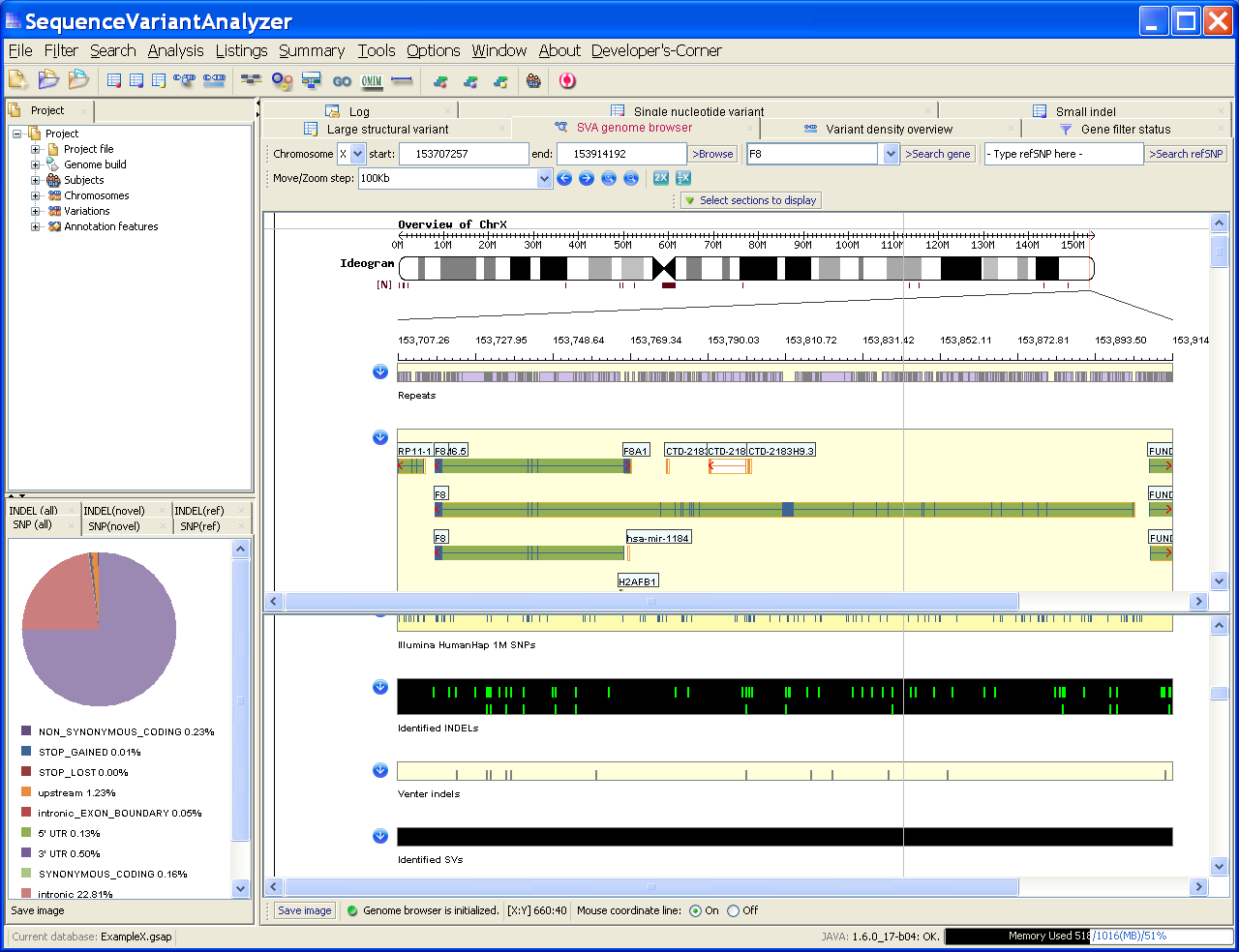 Screenshot on a Dell laptop with 32-bit Win XP

25 Jan 2012:: We now have a new download site: www.OmicsExpress.com
25 May 2011:: SVA is published in Bioinformatics.
21 Mar 2011:: SVA V1.10 is released: [1]Supports GRCh build 37/hg19; [2] Supports user annotation track in GFF3 or BED formats.
9 Sep 2010:: The characterization of twenty sequenced human genomes. [Article]
12 Jul 2010:: LabCorp Launches Interleukin 28B Polymorphism (IL28B) Genotype Test to Support Individualized Treatment Decisions for Patients with Hepatitis C Viral Infection.
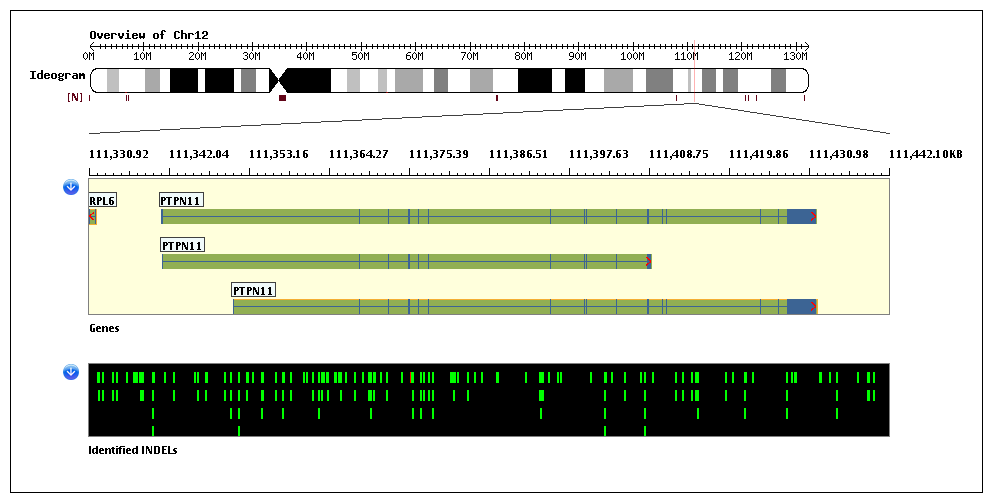
17 Jun 2010:: Causal variants for metachondromatosis are identified.
[Article] [SVA screenshot]
[GenomeWeb: The Daily Scan]
[Article] [SVA screenshot]
[GenomeWeb: The Daily Scan]
18 Mar 2010:: SVA 1.02[beta] is released.
11 Mar 2010:: SVA 1.01[beta] is released with a command line tool.
8 Mar 2010:: A lite evaluation edition is released for Windows. Play with it on your laptop!
23 Jan 2010:: SVA 1.00[beta] is released.


| Visits: |
© 2011
© 2011